Uninstalling
You can uninstall the ABT Site and ABT Pro using the uninstall option that is present in the ABT Installer. Complete the following steps to uninstall ABT Pro and ABT Site:
- In welcome ABT Installer’s welcome dialog box select the language of your choice and click Next.
Note: The language you select here is for ABT Installer only and not the ABT Pro or Site product language. - Select Uninstall to uninstall ABT Site from your machine and click Next.
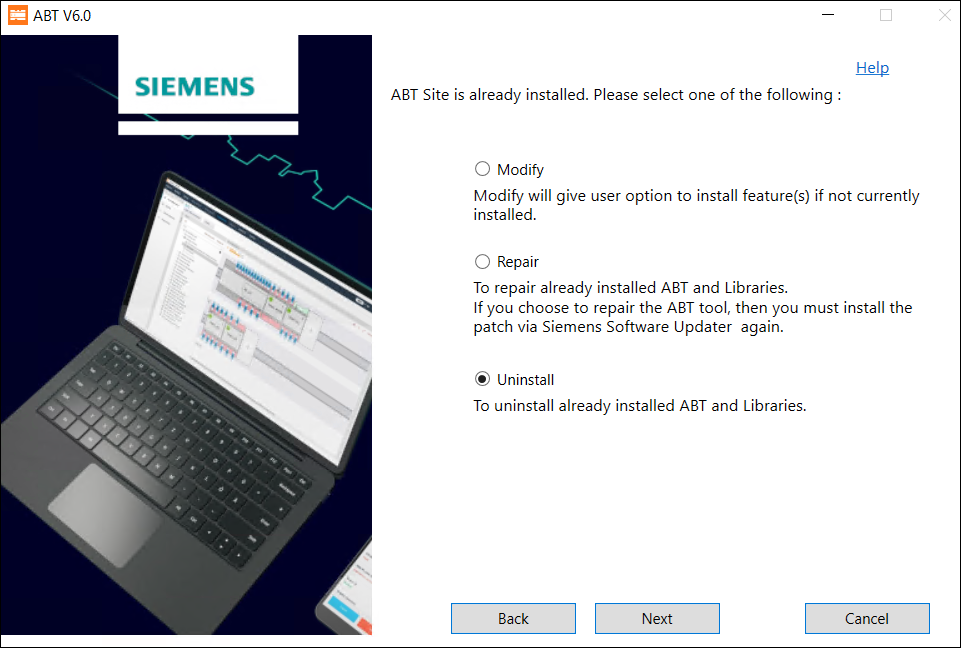
- Select the feature that you want to uninstall and click Next.
- Verify the features you have selected to uninstall and click Uninstall.
- Select Restart Now and click Restart to restart your machine.
- You have successfully uninstalled ABT Pro and ABT Site on your machine.