Web interface operation
The Web interface displays the instances of configured devices for online commissioning and engineering.
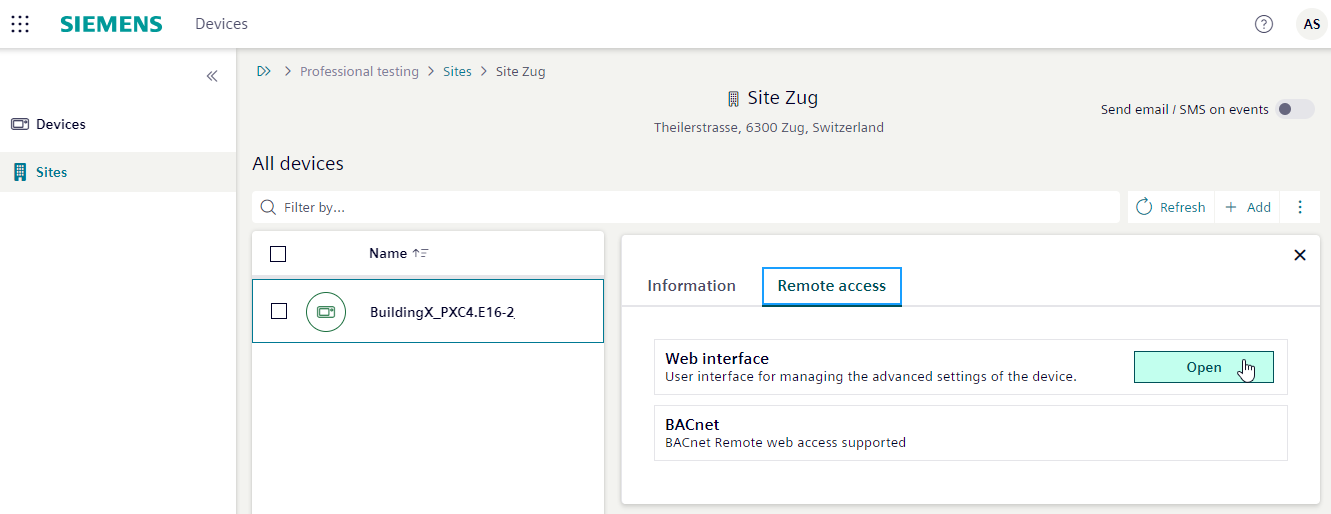
- The Devices application is open.
- The device list opens.
- Select Sites, then select the site from the list.
- Select the device.
- Select the Remote access tab.
- In the Web interface pane, select Open.
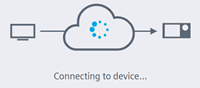
- Connecting is displayed.
- Enter the log-in information for the web interface.
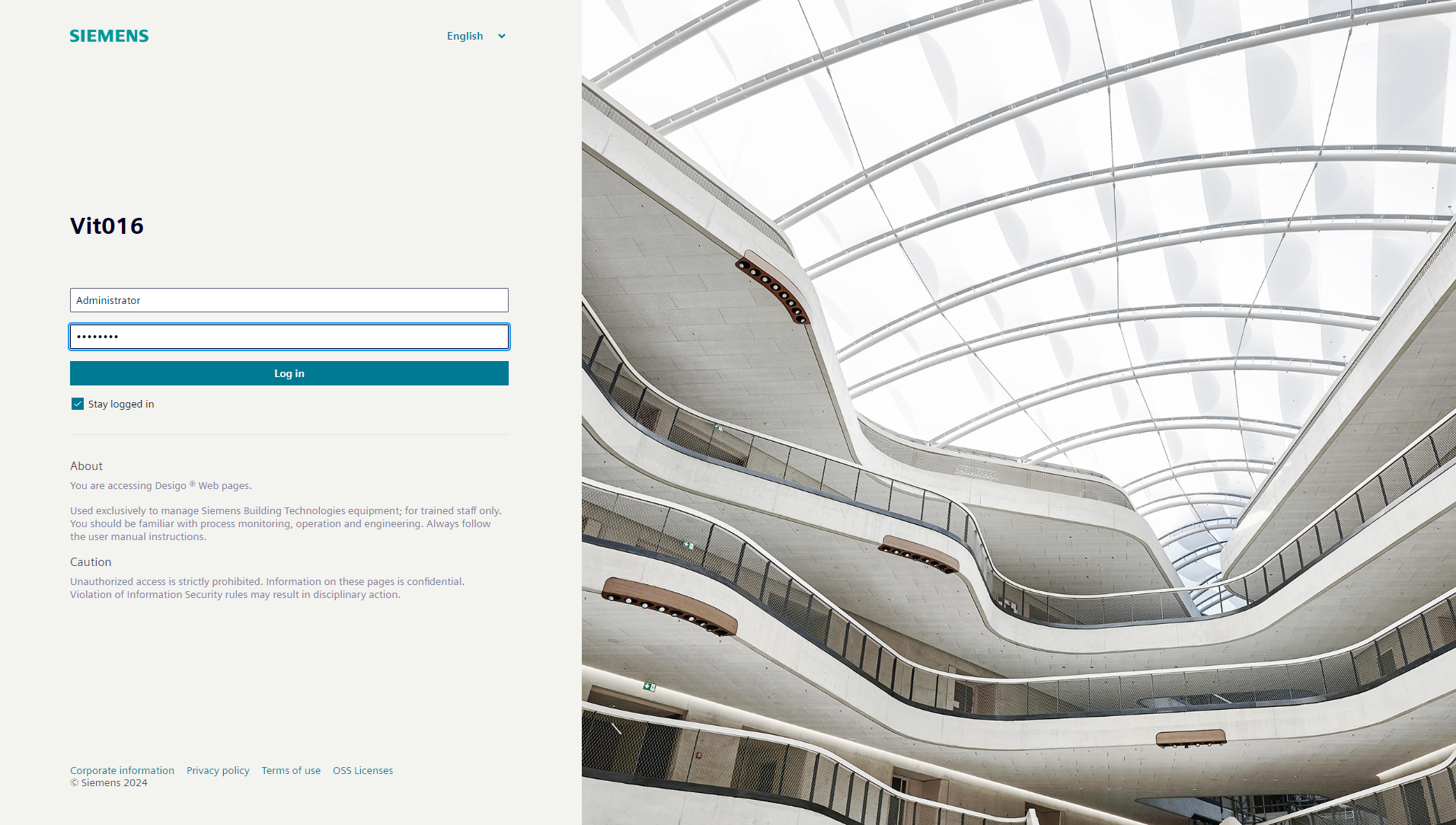
- The web interface opens. Detailed operating functions in web interface is available in document A6V11938631 Web interface.

A timeout occurs if there is no activity in the session: The password must be re-entered.