Working with resources
You can work with TX & Onboard I/Os and KNX PL-Link devices (data points) located in Resources by adding them to a chart in the Programming editor.
Work with resources
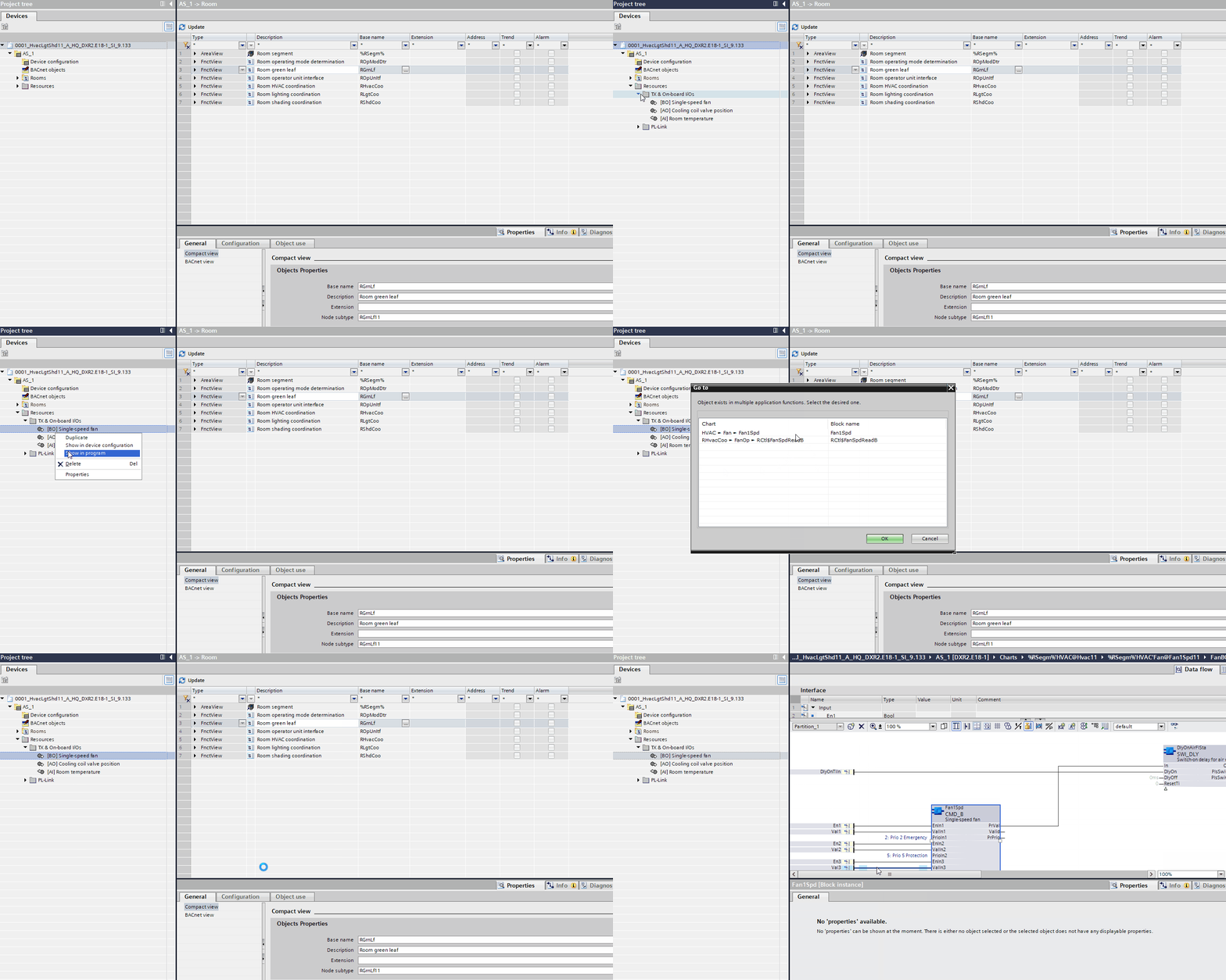
There are two ways to add data points to a chart:
- In Resources, select a data point and move it onto an open chart via drag-and-drop.
- In Resources, right-click a data point and select Open in program.