Creating an alarm

Creating an alarm is only possible in application functions but not in the I/O device view.
Create an alarm
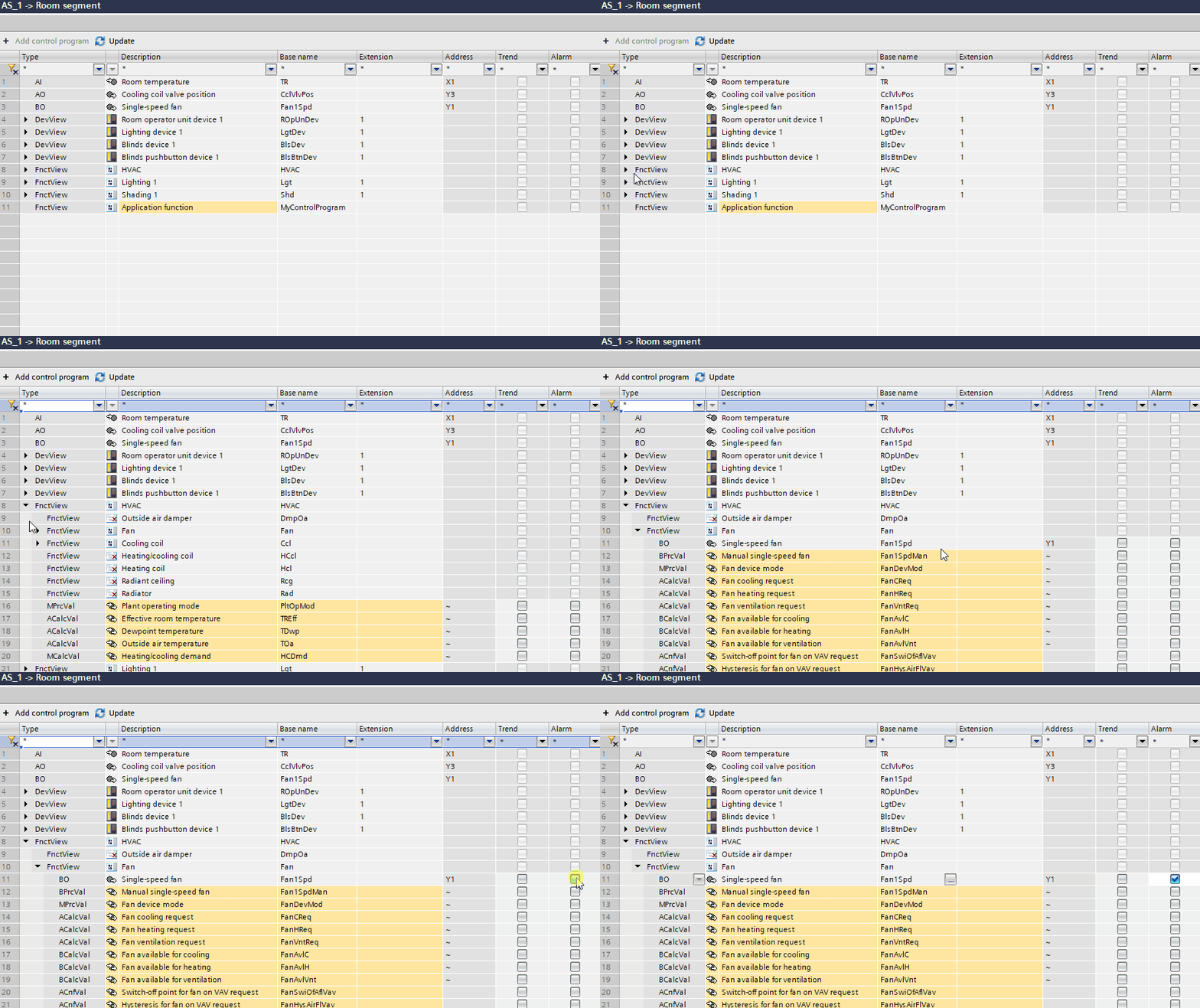
- In the Room segment editor, open the application function you want to create an alarm for.
- Select the I/O device.
- Tick the Alarm checkbox to activate the alarm for the selected I/O device.
- An alarm log object is created automatically.
- The default Object Properties for the object are set and listed in General > Compact view. Default properties can be changed as required.