Set default descriptions
- Go to Building > Building structure.
- Right-click the automation station and select Go to engineering.
- Open the BACnet objects task.
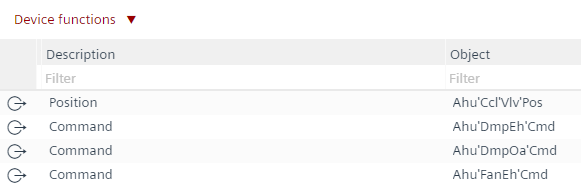
- From the Device functions drop-down list, select Set default descriptions.
- The Device function dialog box opens.
- Click OK.
- In the Description column, the hierarchical description text is removed from each object (if the part name is picked from the text catalog).

Manually changed text in the Name column are not affected by this functionality.