Defining option tags
Option tags allow removing unnecessary (optional) control program parts, for example, a maintenance switch in a pump function. The tags can be entered individually for each object or with a multi-select function. The defined options can be selected or deselected for the respective object. This allows a high degree of flexibility within the control programming of a function.
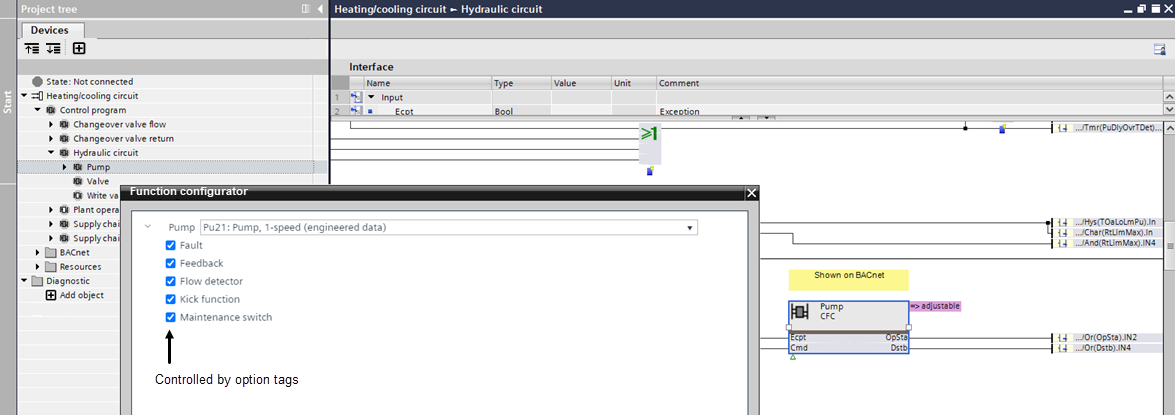
Add a option tag to a function block or object
- The Programming editor is open.
- A control program is available.
- In the Project tree, select a control program.
- The control program opens.
- Select an object in the control program.
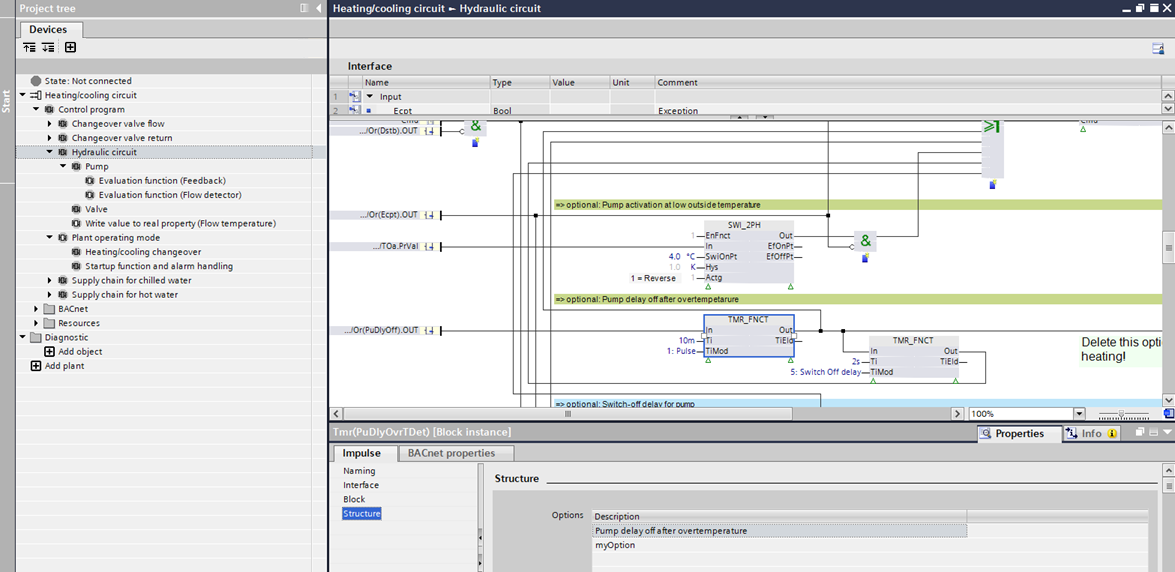
- Select the Properties tab.
- Select the Structure section.
- In the New option drop-down list, select an option or enter an own option name. The defined name will display as a new or modified option tag.
- Click Add.
- The option displays in the Structure section. Up to 10 options can be defined for an object. A nested module, for example, a pump supports only 1 option.
- Save the control program to the custom library.
Add an open tag to multiple function blocks or objects
- The Programming editor is open.
- A control program is available.
- In the Project tree, select a control program.
- The control program opens.
- Place the mouse pointer and mark the required objects.
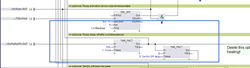
- The objects within the frame area are marked with blue frames.
- Right-click of the objects and select Assign option.
- The Assign option dialog box opens.
- In the Option drop-down list, select an option or enter an own option name. The defined name will display as a new or modified option tag.
- (Optional) Activate the Replace existing chart options check box.
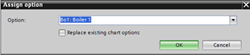
- Click OK.
- The option displays in the Structure section for all selected objects. Up to 10 options can be defined for an object. A nested module, for example, a pump supports only 1 option.
- Save the control program to the custom library.
Delete an option tag to a function block or object
- The Programming editor is open.
- A control program is available.
- In the Project tree, select a control program.
- The control program opens.
- Select an object in the control program.
- Select the Properties tab.
- Select the Structure section.
- Select the desired option.
- Right-click the option and select Delete.
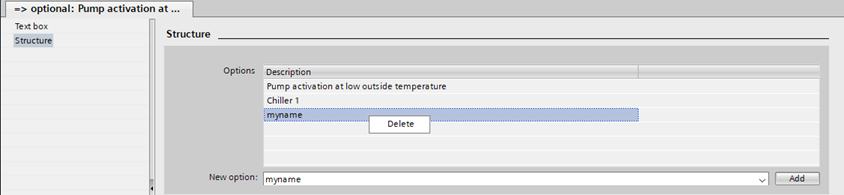
- The option tag is deleted.