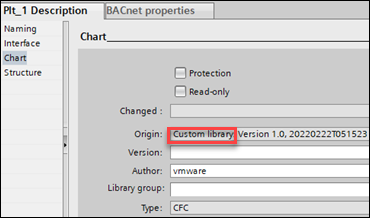
Control program read-only
In the Changed field, you can see empty information on creation of a control program from library or as a new control program.
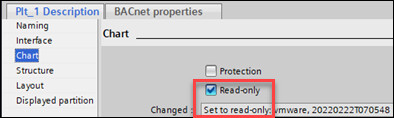
The Changed field displays Set to read-only if the Read-only checkbox is ticked.
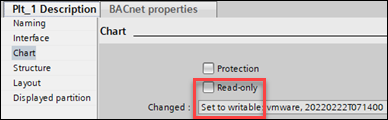
The Changed field displays Set to writable if the Read-only checkbox is cleared.
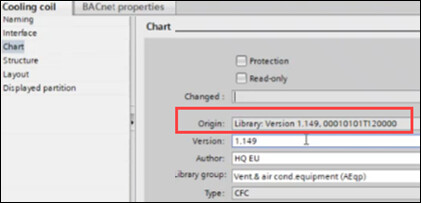
In the Origin field, there are three cases as given below:
1. The first instance shows the original location, for example, Library.
2. If you create a new control program, the information shows as New chart and the version changes to Version 1.0. If required, the version number can be changed in the Advanced tab, below the Library tab.
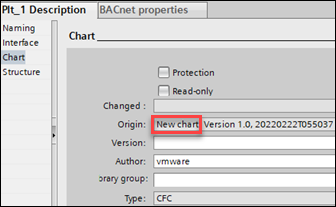
3. If you save your control program to the library and take it back from there, the text changes to Custom library.