Verifying the notification classes in an existing device
The assigned notification class should be checked for correctness.
Notification classes
- Go to Building > Building structure.
- Open the Application & device overview task.
- Select Device types > Controllers > [device].
- In the Details pane of the automation station, select Objects.
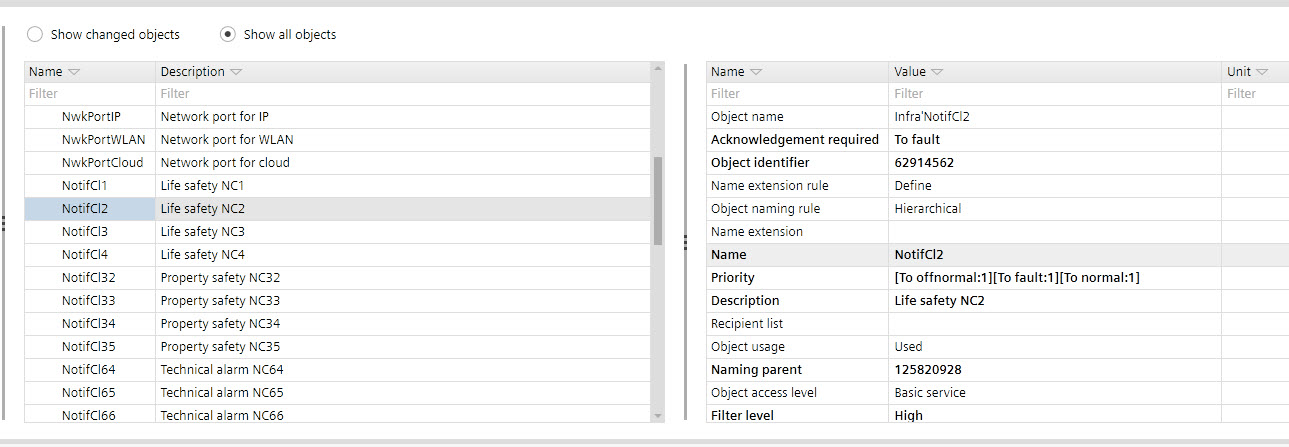
- Select the Show all objects option.
- Open the Infra list.
- Verify the entries in the section of the NotifCl list.