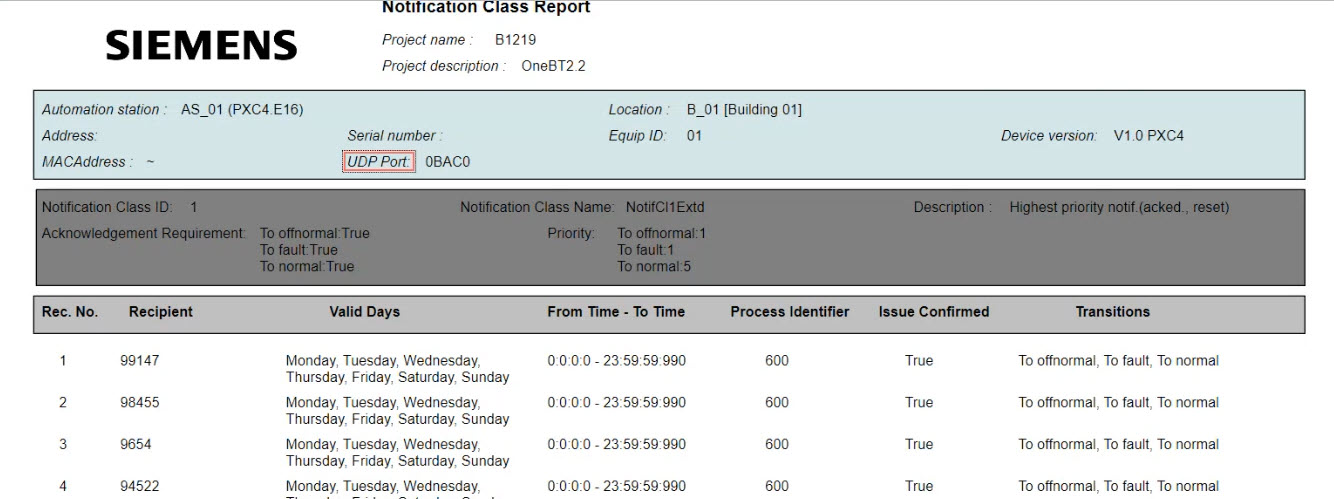
Creating a notification class report
- Go to Building > Building structure.
- Open the Application & device overview task.
- Select Device types > Controllers > [device] or a higher building level.
- Right-click the device and select Reports.
- The Select report dialog opens.
- Select the Notification class report.
Types of reports - Click OK.
- The report is performed and visible in the report area.