Remove BA object from corresponding interface in an application function
Remove a BA object
For an object which is used by the application function, the BA object can be removed.
- A BA object is assigned to an xFB.
- In the Project tree, select the application function of a control program.
- The BA objects list and the control program are visible.
- In the Add control program list, select the BA object.
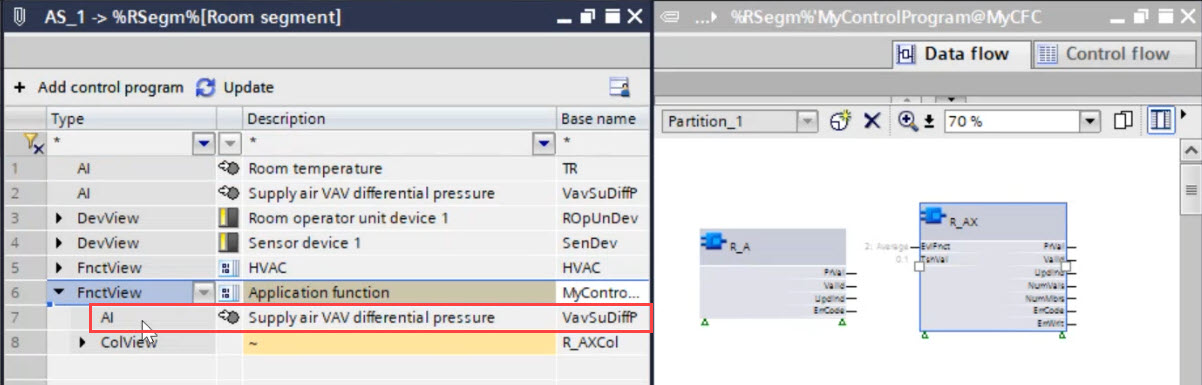
- Right-click and select Remove.
- The BA object is removed from the application function.
Remove an owned BA object
For an owned object which is used by the application function, the owned BA object can be removed.
- An owned BA object is assigned to an xFB.
- In the Project tree, select the application function of a control program.
- The BA objects list and the control program are visible.
- In the Add control program list, select the owned BA object.
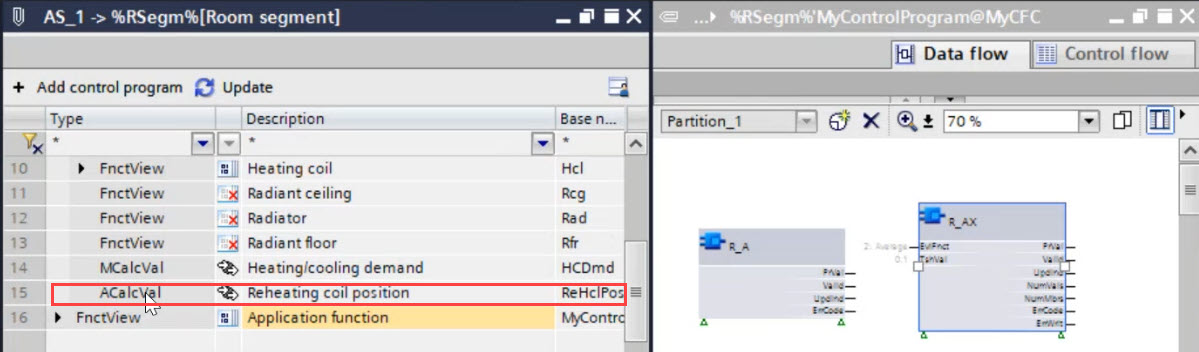
- Right-click and select Remove.
- A Delete owned BA objects dialog box opens.
- Click Yes to remove the owned BA object.
- The owned BA object is removed from the application function.