Changing the certificate authority (None/internal/external)
The Certificates tab structure is valid for device version 1.6 onwards.
- Go to Building > Building structure.
- Select a device.
- In the Details pane, select Certificates.
- Select the desired certificate section.
- In the Certificate authority drop-down list, select Internal or External.
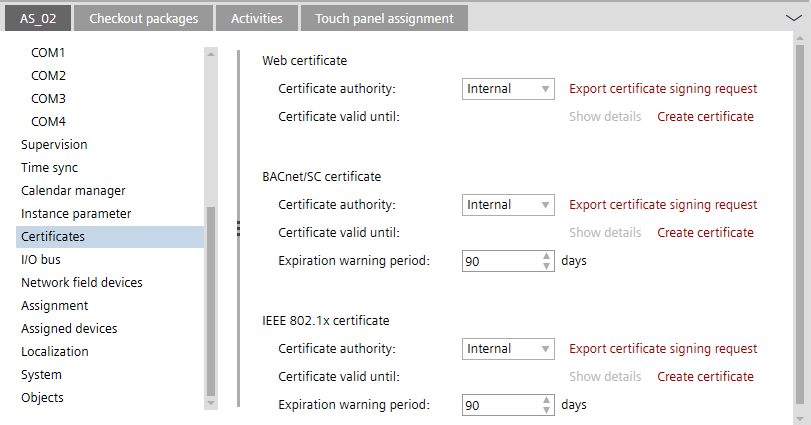

For the certificates, the certificate authority must be defined according to the solution used.