Verifying the entries in the global calendar object
- The calendar manager is supported by the device types PXC4/5/7.
- Go to Building > Building structure.
- Select the device where the calendar manager is stored.
- Select the Objects tab and then select the Infra > GlblCalendarMgr object.
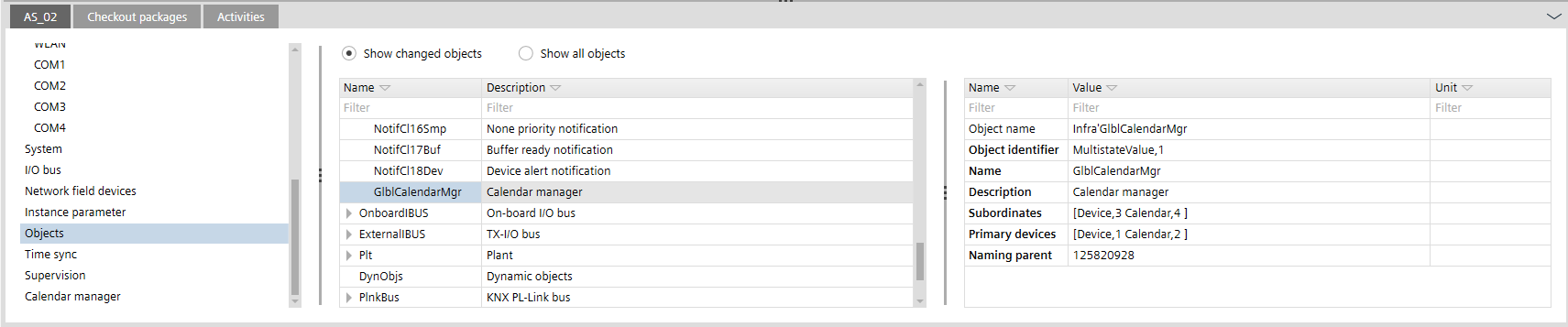
- Verify the entries in the Primary device and Subordinates properties.