(Optional) Modifying the RDG2 device chart
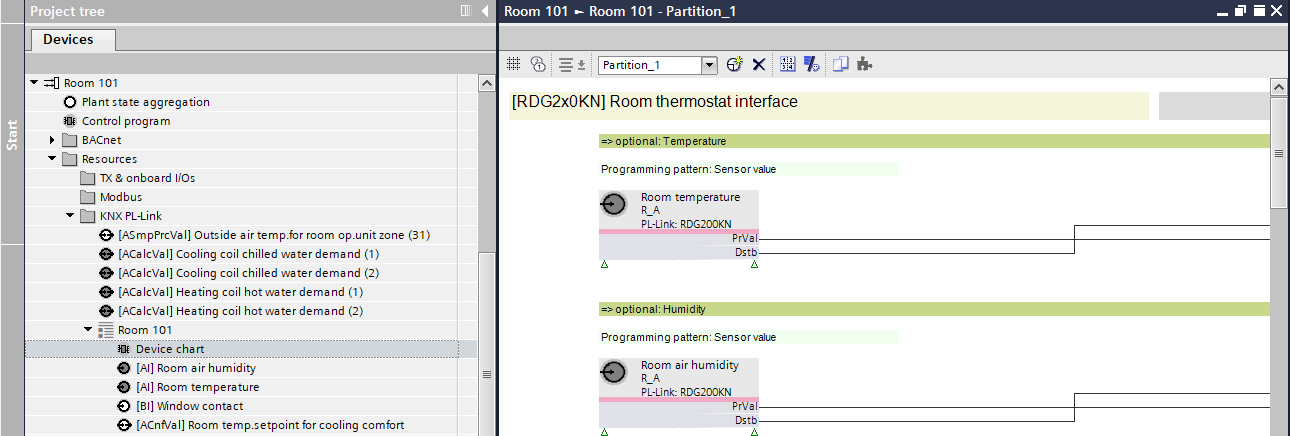
- Go to Programming editor.
- In the Project tree, select a device chart, for example, Heating/cooling circuit > Resources > KNX PL-Link > [RDG2 device name] > Device chart.
- Modify the device chart control program according to the project requirements.
- The I/O data points used are available in the device chart control program and are associated with BACnet objects.