Configuring the presence detector subordinate

The subordinate presence detector devices must all be configured individually. There is no synchronization with the presence detector manager device.
- A subordinate presence detector device is available.
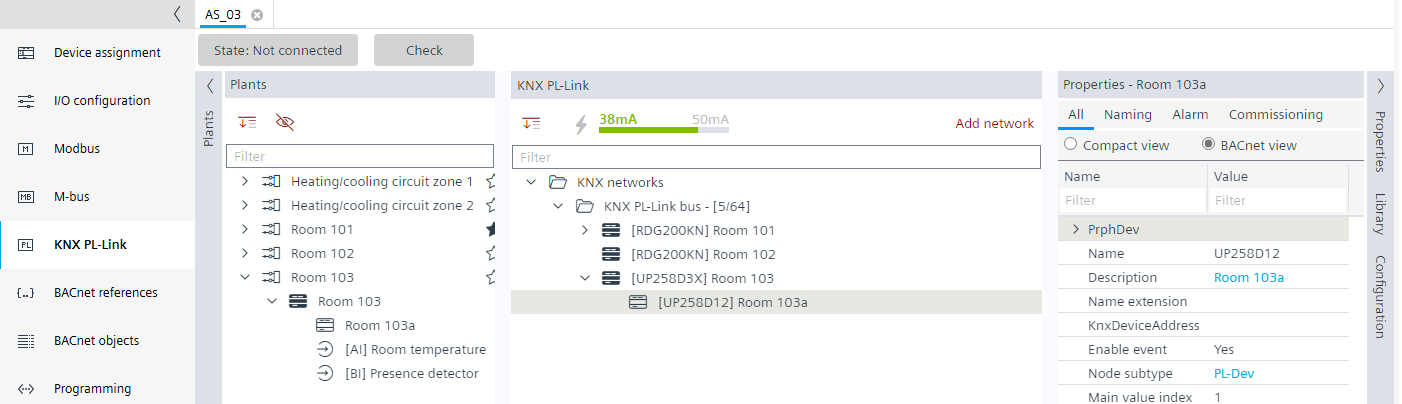
- In the KNX PL-Link area, select the subordinate presence detector device.
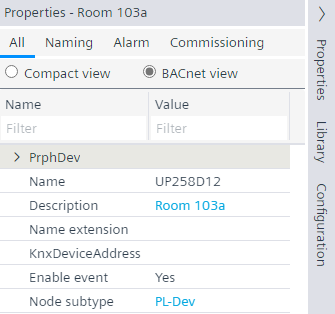
- Select the Properties tab on the right.
- Modify the properties as required.
- Select the Configuration tab on the right.
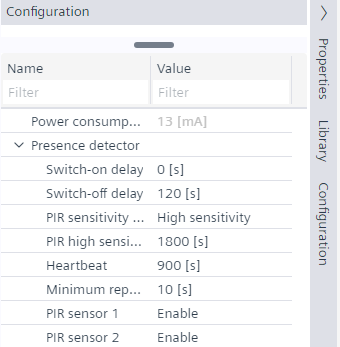
- The Configuration view shows the properties of the selected device feature.
- Modify the properties as required.