Filtering table columns
You can set filters for each column of all ABT Site tables. The field is located just under the column heading. The filter is set in real-time as you type.
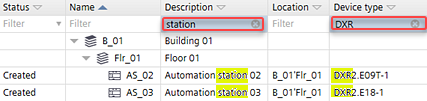
The initial value in each cell of the filter row is blank, which causes the column to show all contents.

Filter criteria are not case-sensitive.
Filter settings are not saved with the project. When a project is closed and reopened, the filter returns to the default.
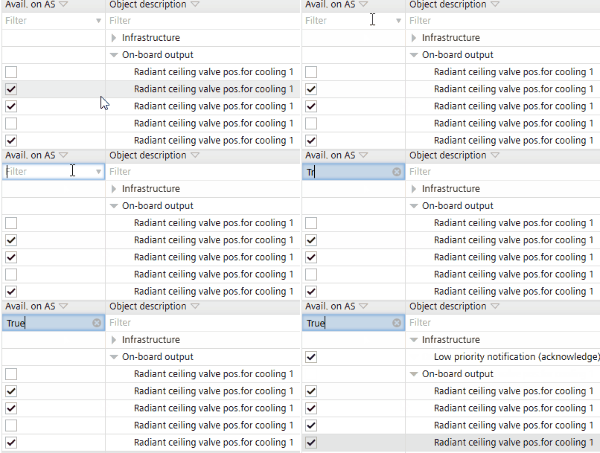
Columns with check box values can be filtered by using T or True to show only the checked rows and F or False to show only the unchecked rows.