Sorting columns
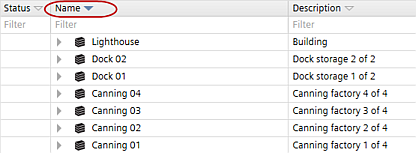
You can sort each column in all ABT Site tables by clicking the column heading. The column by which the table is sorted will be indicated by a blue arrow in the column heading.
When you rename an item, the selected sorting is not applied automatically. You have to reapply the sorting by clicking the column header again. By default, all tables are sorted by name in ascending order. The sorting is not saved with the project. When a project is closed and reopened, the sorting returns to the default.