Exporting and importing favorites
You can export custom favorites lists and then import and use the lists in other projects or in ABT Go. To use the custom favorites in ABT Go, download the file on your mobile device. The downloaded file will automatically show in your custom favorites in ABT Go. For more information, see the ABT Go online help.
Export custom favorites 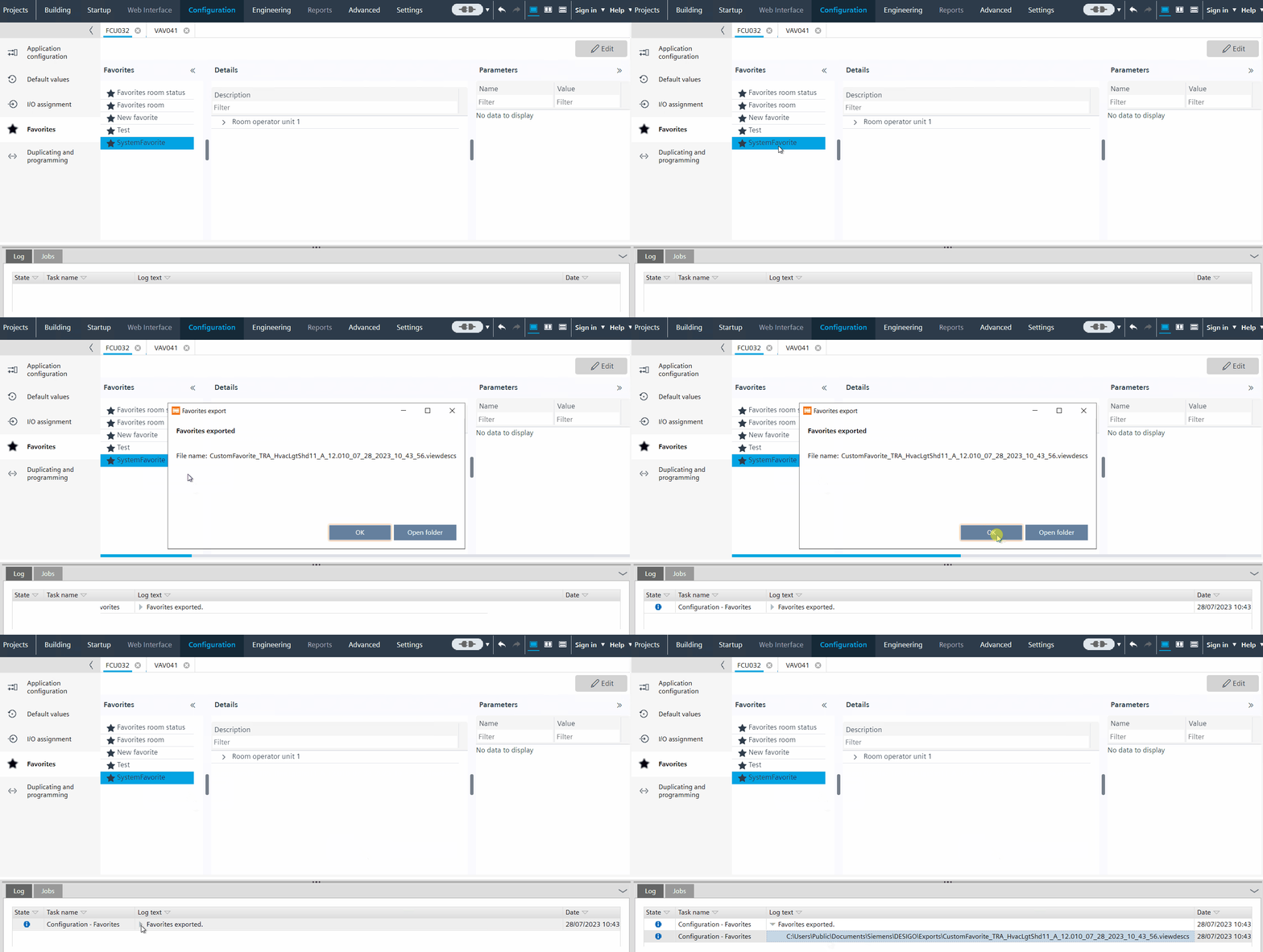

- The Favorites task is not in Edit mode.
- Select the custom favorites list you want to export.
- Right-click and select Export.
- The custom favorites list (.viewdescs file) are exported to the default export directory.
You can define the default export path in Project Manager > Settings > Export path.
Settings
Import custom favorites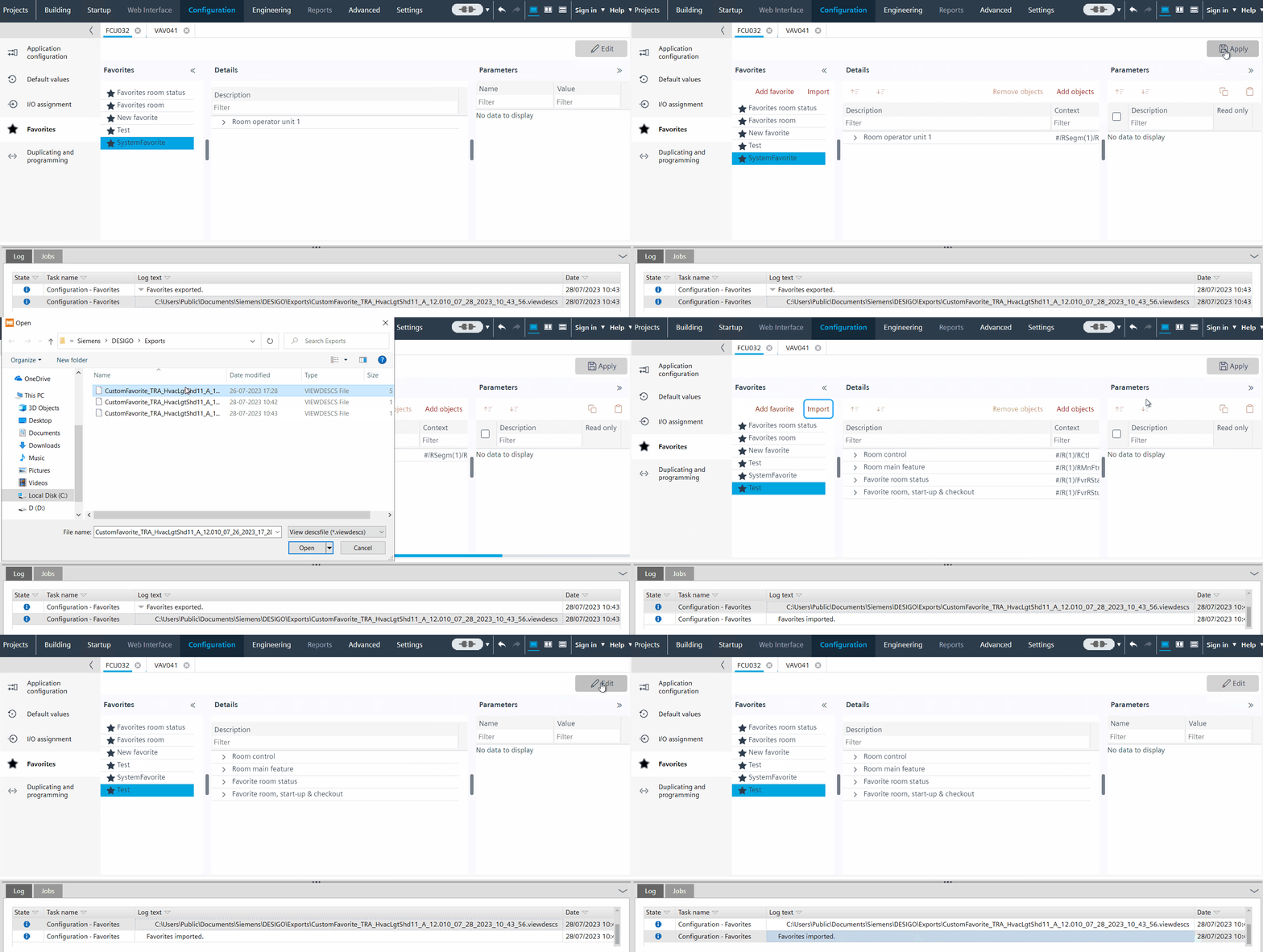
- The Favorites task is in Edit mode.
- Click Edit.
- Click Import.
- Navigate to the file and click Open and click Apply.
- The custom favorites file (.viewdescs file) is imported and added to your custom favorites list.