Creating an event enrollment object - EDE import tab
Create an event enrollment object using the imported EDE data points.
- Go to Engineering > BACnet references.
- Click the EDE import tab.
- Import the EDE files.
See Create a BACnet reference from an EDE file import, for more information on how to import an EDE file. - Right-click the required data point in the BACnet references editor area and click Add event enrollment.
Note: You can multi-select the data points to create an even enrollment object.
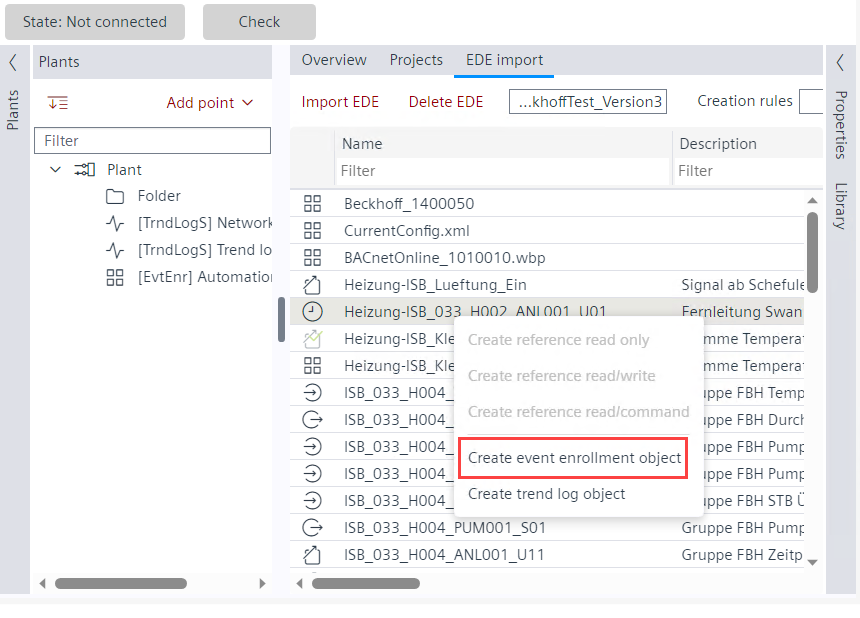
- The event enrollment object is created in the Plants navigation view.