Creating an event enrollment object - Projects tab
Create an event enrollment object in Projects tab.
- Go to Engineering > BACnet references.
- Click Projects tab.
See Create a BACnet reference from ABT Site projects. - Select the required project in the Selected project field.
- The respective data points of the project is displayed below in the form of a table.
- Right-click the required data point in the table and click Add event enrollment.
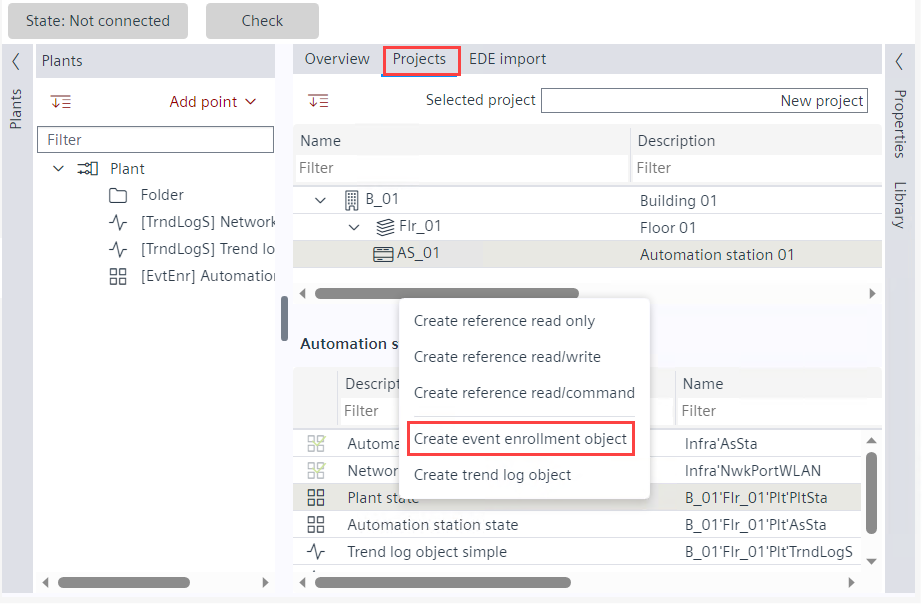
- The event enrollment object is created in the Plants navigation view.