Checking for duplicate device properties
The following properties must be unique in the project for all devices:
- Device name
- Device instance number
- IP address
- MS/TP address (combination of MAC address and network number)
- Serial number (must be unique or empty)
You can check for device property conflicts in Building > Device list.
Device list
In order to check for additional duplicate values such as Equipment ID, room names etc. you can set the check options in Configure checks.
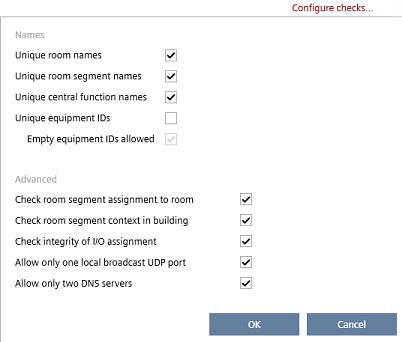
Check for duplicate properties
- Go to Building > Device list.
- Click Check.
- The Log viewer displays the result messages of the check.
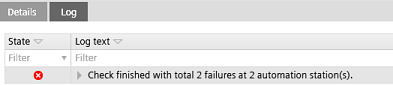
- In the Log viewer, expand the message to see which devices contain errors.
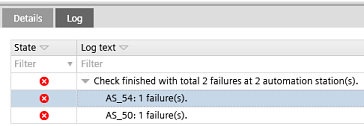
- Double-click the message.
- The line of the invalid device is highlighted in the table.
- The Details pane opens providing detailed error information.
- Correct the error, e.g. by entering a valid Device instance number in the corresponding line.
- Click Save.
- You have checked the device properties for duplicates.