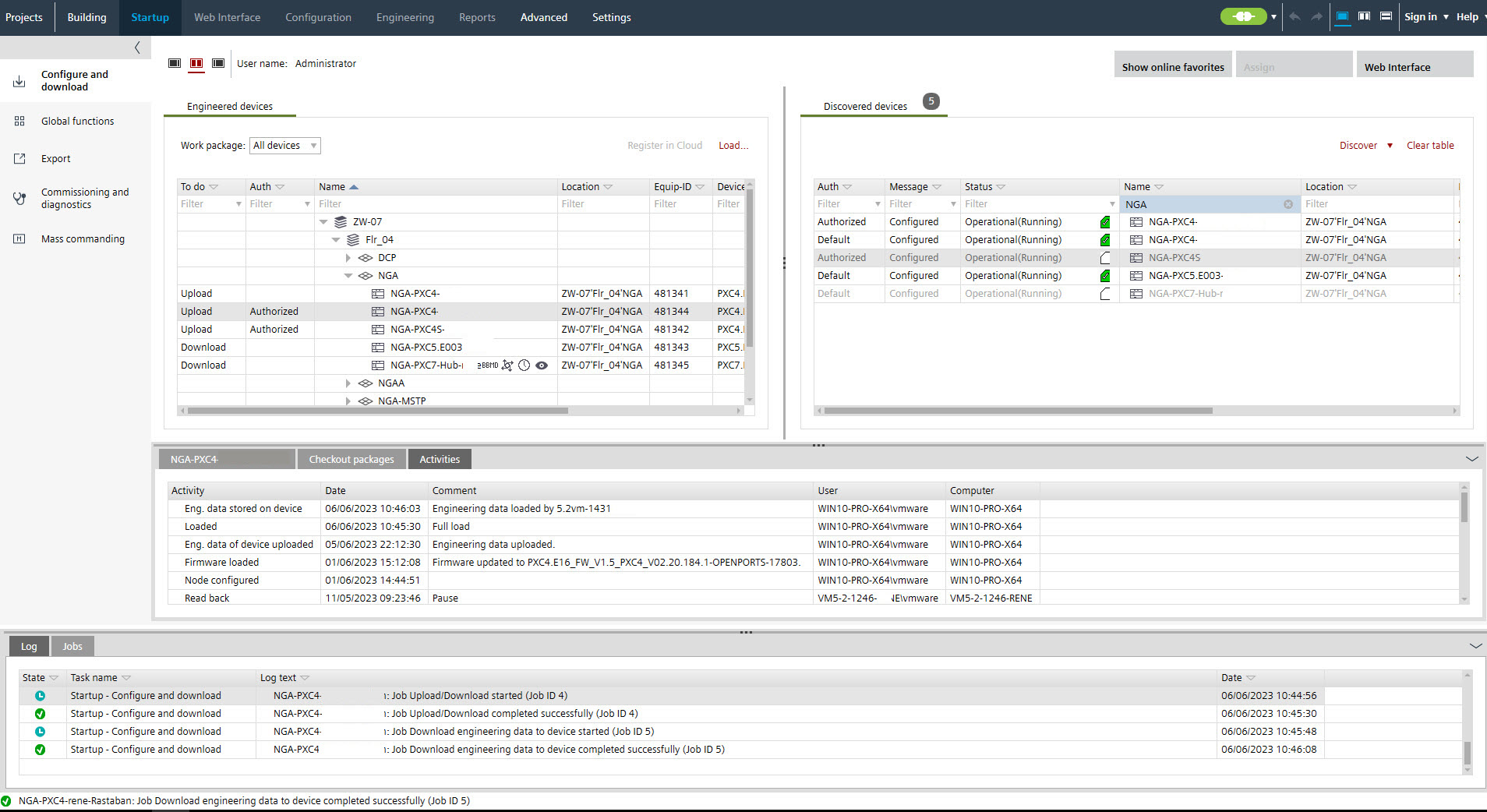
Initial engineering/commissioning for devices with engineering data
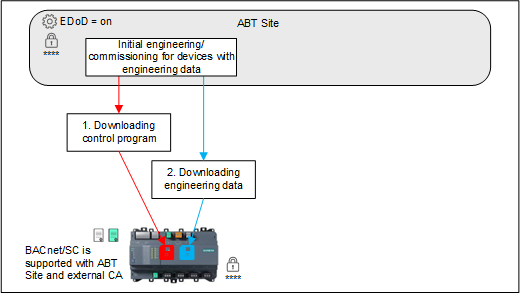
1. Downloading control program
- A WLAN or Ethernet connection is established.
Connecting to devices - The Enable engineering data on device check box is enabled.
Common settings tab - The engineering name is entered in Settings.
② User interface tab - The application configuration is downloaded with a full load and the device is restarted.
Downloading device configurations
- Go to Startup.
Configure and download - Open the Configure and download task.
- Select the device.
- Right-click and select Load > Full (device may restart).
- The control program is downloaded successfully.
2. Downloading engineering data

Saving the current offline project status on the device (using engineering data on device) is also possible if no full download has been carried out beforehand.
- Select the engineered device.
Note: Multi-select of devices is possible.
- The Engineering data tab shows that no engineering data have been downloaded (right part of the dialog).
- In the Engineered devices tab, click Load > Engineering data.
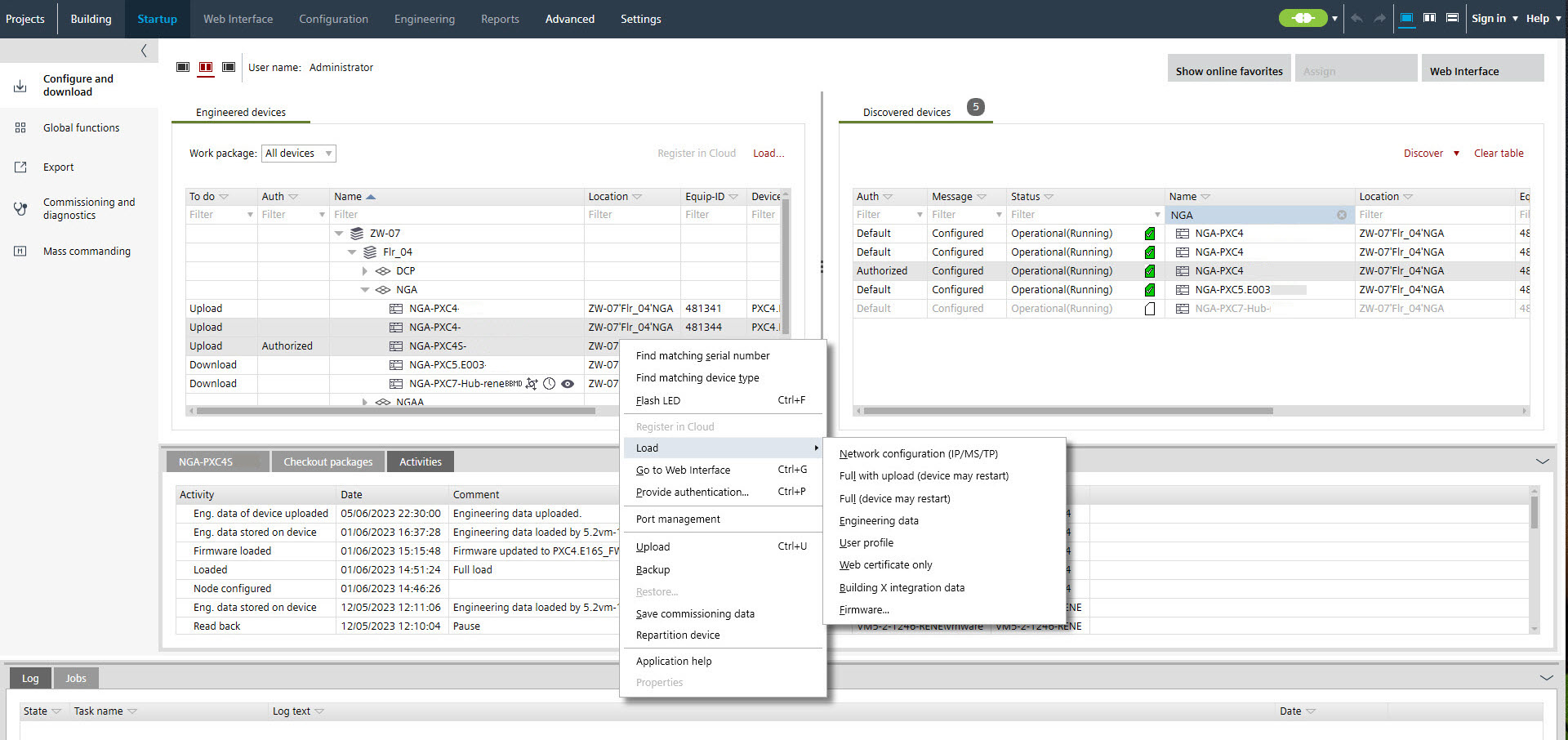
Note: If one or more devices of the type PXC4.E/M (less memory) are selected, a prompt appears before the download starts. This query does not apply to the PXC4E/M-2 (more memory) devices.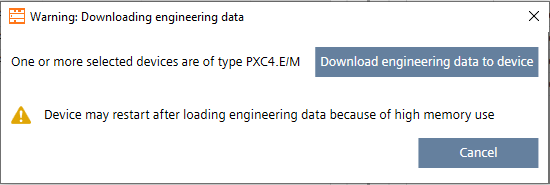
- The engineering data are downloaded to the device.
- The Activities tab shows the downloaded engineering data.