Settings
Use the Settings component to define the default settings that apply to the whole project and its objects.
If you have not set a password for your user yet, ABT Site will open your project in Settings > User profiles.
User profiles
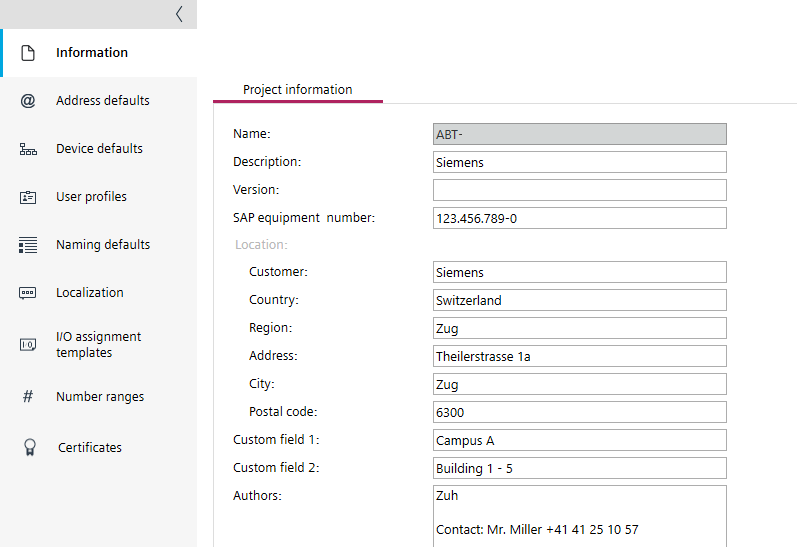
The Settings component contains the following tasks.
Task | Description |
|---|---|
Entry of additional project information such as address, contact persons, etc. | |
Define the network settings of your project. IP addressing | |
Define the device defaults of your project.
| |
Define the user profiles of your project. | |
Set the default designations and prefixes of objects within the project. Object names tab | |
Define the time zone and language settings. | |
Manage saved I/O assignments. | |
Define the number ranges for group numbers, room IDs and central functions. | |
Managing Web root certificates Managing BACnet/SC root certificates Managing ABT Site BACnet/SC operational certificate Managing IEEE 802.1X certificates Showing external CSR signing activities |